Updating Your Organization Profile
Written By Wilbert Averil
Make an excellent first impression to partners by updating your profile and adding up-to-date information about your company.
To update your Organization Profile:
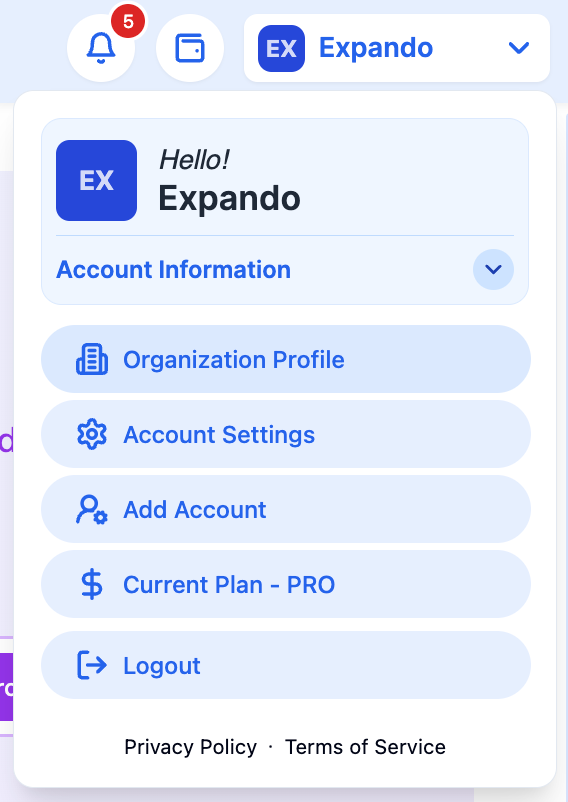
Click your company name in the top left corner
Click Organization Profile
Click on Edit

Once you have updated your profile, click Update.

Was this helpful?
Still need help? Share an idea