Set up Your Account
Written By Wilbert Averil
Welcome to Expando AI™! We're excited to have you on board. This guide will walk you through the simple steps to create your account and get started.
To get started, click Setup Account.
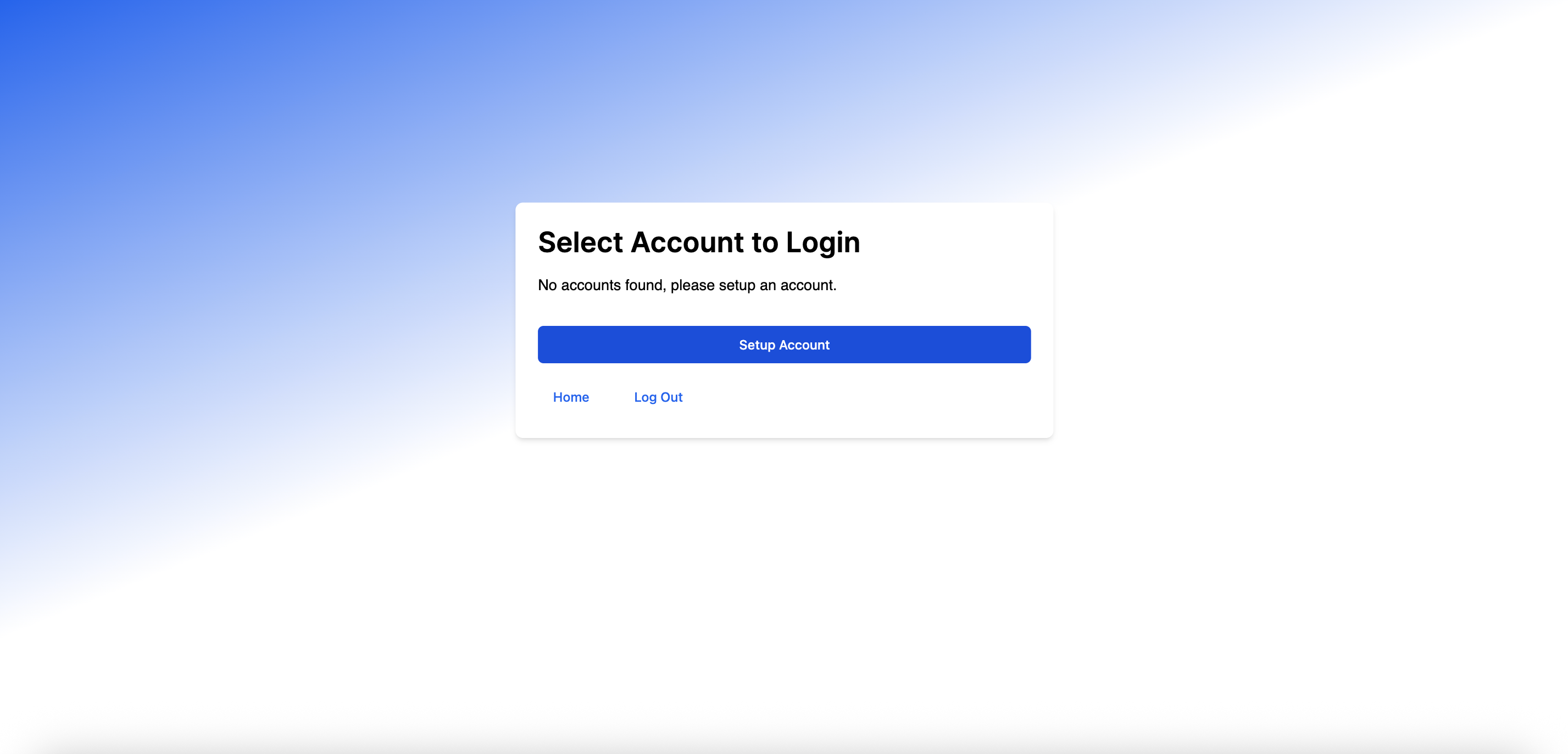
Step 1: Choose an Account Type
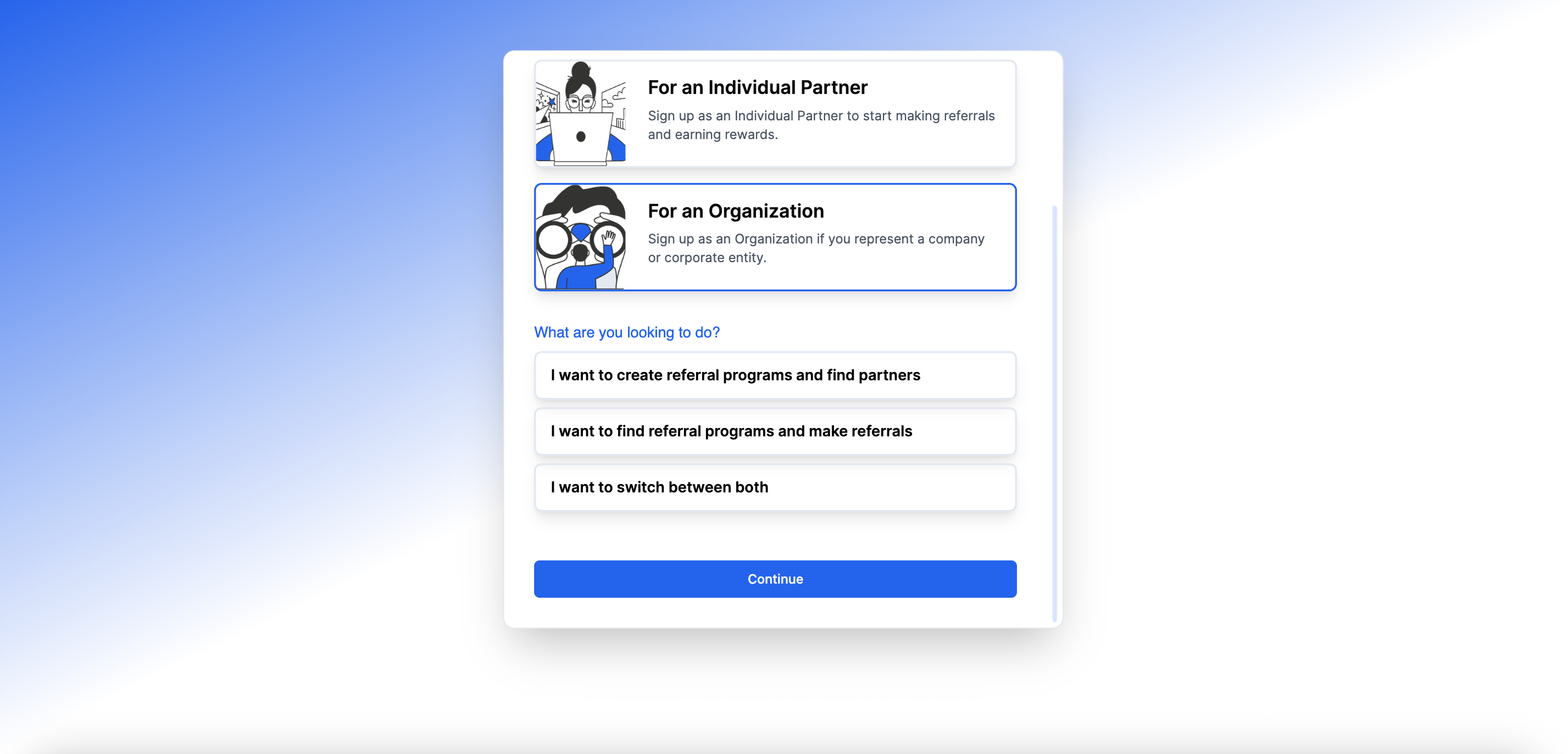
For Program Owners, we offer two primary account types to ensure you have a tailored experience:
"I want to create referral programs & find partners": Choose this option if you are a business looking to expand your reach. This account type allows you to build and manage your own referral programs, connect with potential partners, and grow your network.
"I want to switch between both": Select this account if you want to build and manage your own referral programs AND are looking to discover new products and services through referral programs. With this account, you can also easily find programs, make referrals, and earn rewards.
Step 2: Fill out Your Company Information
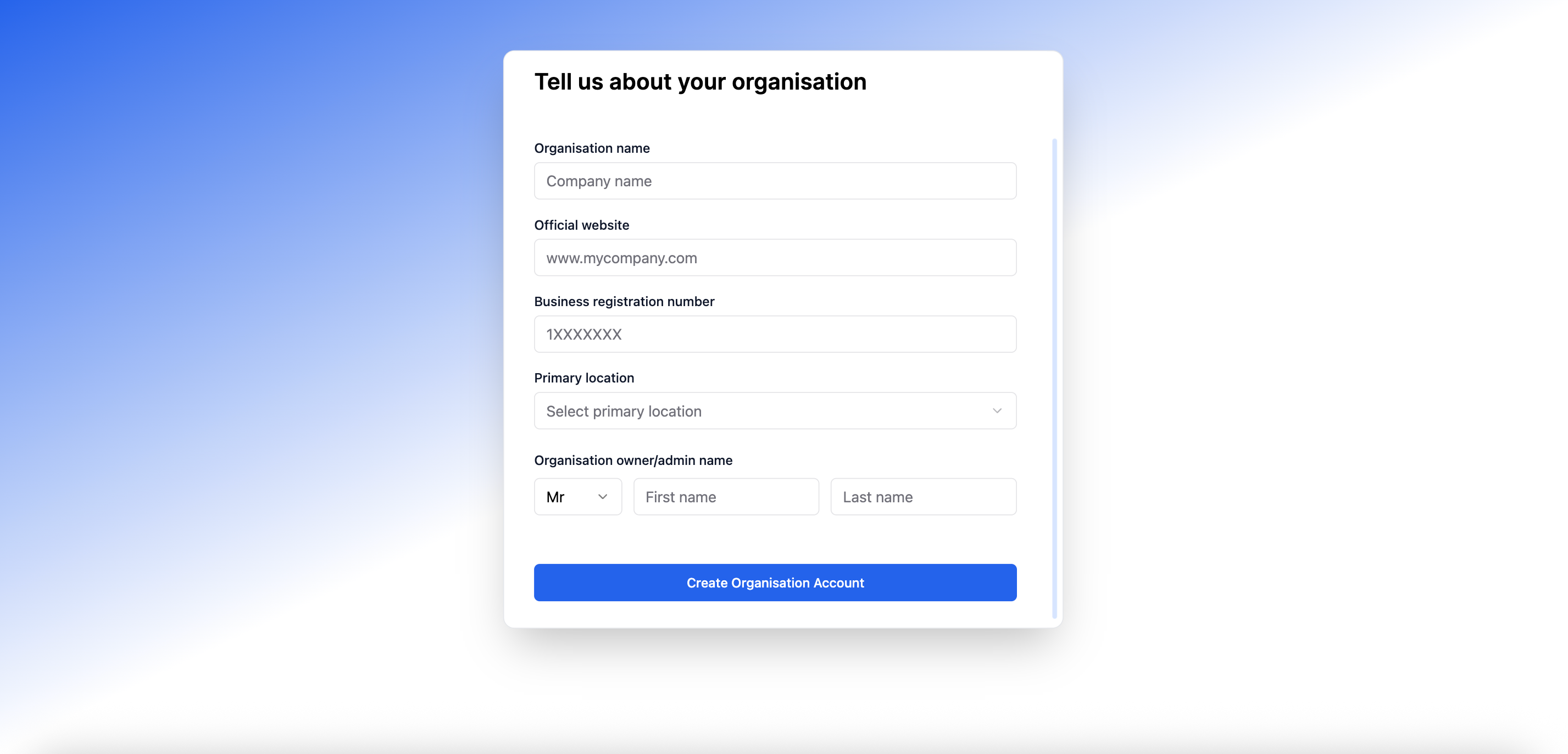
As part of the setup process, we will ask for some of your company information to ensure all our users are verified and cultivate a community built on trust and transparency. This allows you to confidently build relationships and engage in referral activities, knowing that you are part of a secure and professional network.
We understand that providing your information requires trust, and we want to assure you that we take the security and privacy of your data very seriously. Our robust security measures are in place to protect your information at all times.
By completing this step, you are not only setting up your account but also contributing to a safer and more trustworthy partner ecosystem.
Next Steps
Congratulations on setting up your account! To ensure your account is fully optimized:
Still need help? Share an idea